Instagram Reels
Space for your hook and captions.
ENGAGING BOOST / FREE CREATOR TOOLS
Check the frame before you share it.
Your local video stays on your device.
No account. No server upload.
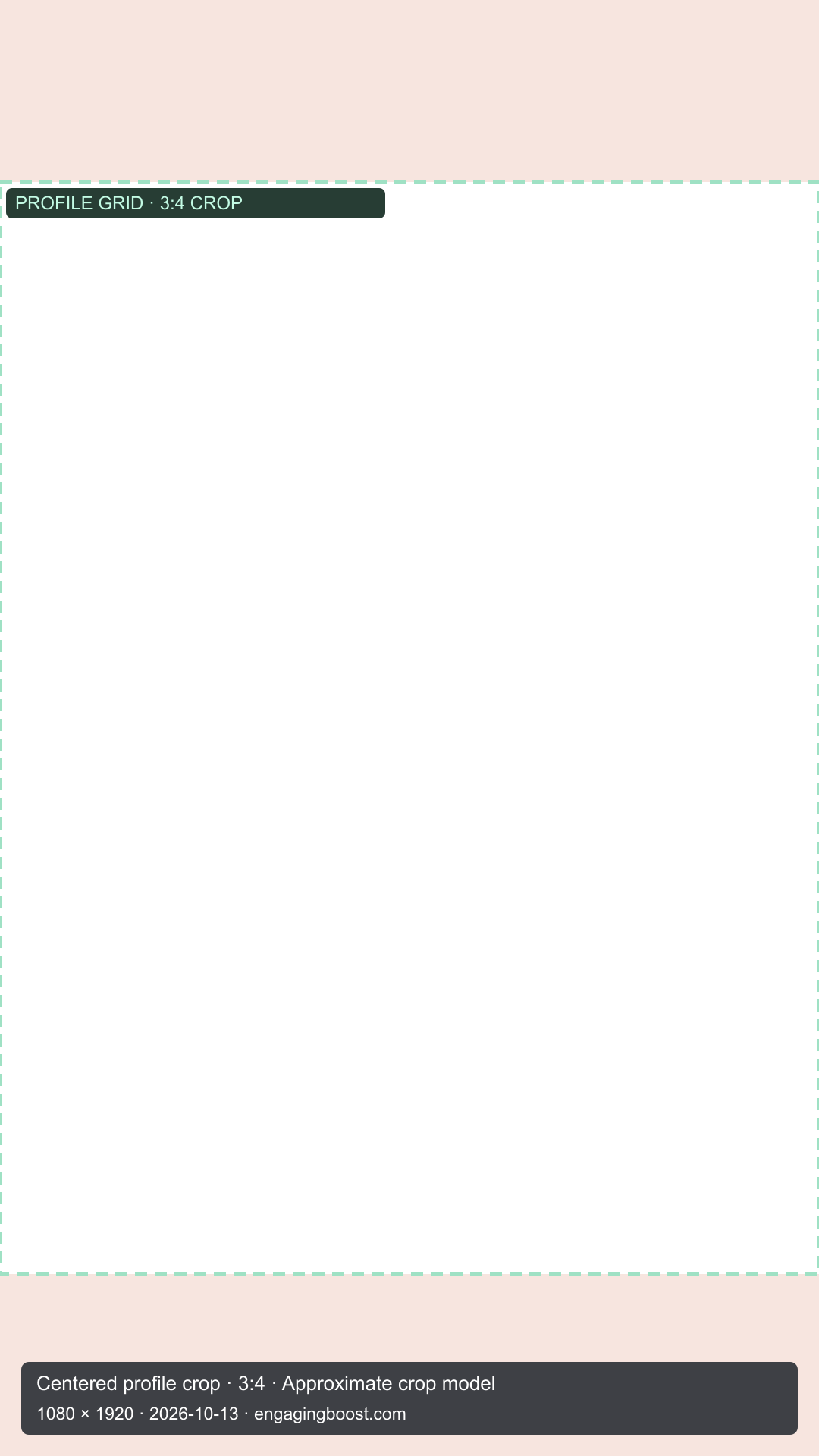
Profile grid: pause on your intended cover. This models a 3:4 tile within the 9:16 canvas. Instagram may use a separately uploaded or repositioned cover.
Representative interface. Sample counts and profile. Not a live platform preview.
THE FIRST IMPRESSION
Choose an opening frame as the thumbnail for your profile view.
Add a video in the player. The same video will appear here.
Illustrative profile. Surrounding posts and account stats are samples. The outlined middle tile is your video.
FREE TO USE / NO SIGN-UP
Get transparent PNG layers for Reels, TikTok, Shorts, X and LinkedIn. Add them above your video while you edit.
Space for your hook and captions.
Organic and standard LTR ad guides.
Check the headline and lower text.
For the immersive video view.
Based on its video-sharing guide.
Centered 3:4 crop for our Instagram and TikTok profile previews.
Organic layers use our two-line caption estimates. Sourced ad guides and the profile crop model are labelled separately. For custom margins, use “Download guide PNG” in the player. See sources and limits ↗
BUILT FOR A REALITY CHECK
Platform layouts change with devices, app updates, caption length and ads. This tool models a 9:16 mobile viewing surface. It cannot reproduce every phone or guarantee placement.
Read the sources & measurements ↗The interface layer is a representative reconstruction with editable profile and caption text. Organic guides are editorial estimates. Official ad guides use sourced platform templates where available, and are labelled separately. LinkedIn’s official video guide is included. Expanded descriptions, comments, shops, stickers and accessibility text sizes are outside this preview.
Direct HTTPS video files and unrestricted Dropbox file links play in the browser when their host allows it. Public Google Drive files up to 300 MB can play in both views when downloads are allowed. If Google only allows embedded playback, the player stays available, but the profile timeline needs a local copy. Public web pages, YouTube watch links, DRM streams and login-only links are not direct video files.
Local files are opened with a temporary browser object URL. Local files never leave your device. For public Google Drive links, our server passes the video through as a temporary stream so both views can show it. The tool does not save or cache that stream, or store your links, names or captions. Hosting providers may keep standard request logs. Removing a video releases its browser reference. Other public links play from their host, whose cookies, logs and caching policies apply. Your original file is never deleted.
The limit keeps local and Google Drive previews manageable on phones. It is not a platform upload rule. Other remote videos stream from their host; their file size cannot always be checked. MP4 with H.264 video and AAC audio offers broad browser compatibility. MOV and other formats depend on your browser’s codecs.